0–100
The Secure Score range, a single number for your whole Microsoft 365 security posture.
Most business owners assume their data is safe because it lives with "one of the big platforms". Microsoft Secure Score is the number that tells you whether that's actually true. It rates your Microsoft 365 security from 0 to 100, and if you're sitting below 75%, you're more exposed than you think.
The Secure Score range, a single number for your whole Microsoft 365 security posture.
The target most small businesses should aim for. Below this, you're under-protected.
Businesses with higher Secure Scores are five times less likely to suffer a serious breach.
How often to review your score, Microsoft changes security policies roughly twice a year.
Sources: Microsoft Secure Score, industry breach data. Guidance based on real-world small-business engagements.
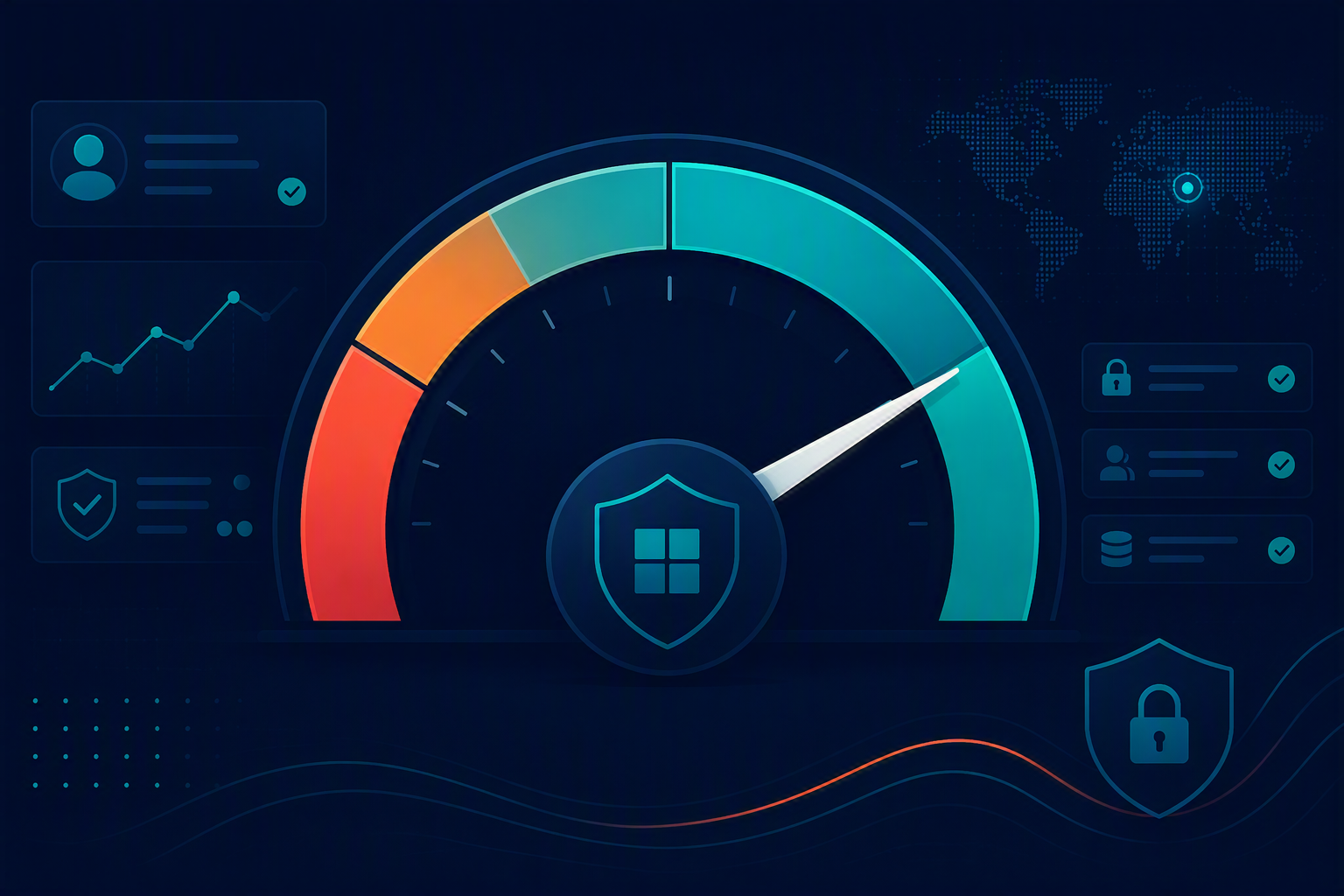
Think of it as a health check for your digital world. It looks at how well you're using the Microsoft 365 security features and turns that into a single number, reflecting the policies you've implemented across four key areas.
Multi-factor authentication, conditional access and sign-in policies that stop stolen passwords becoming stolen accounts.
Encryption, device compliance and antivirus, so every laptop and phone meets a baseline before it touches your data.
Data loss prevention, secure external sharing and retention policies that keep sensitive information where it belongs.
Managing permissions and third-party app integrations, so a single dodgy connected app can't quietly siphon your data.
The target isn't a perfect score. In most cases, 100% would actually stop your team from logging in and getting work done. Like a spam filter, it's about opening the door just wide enough for legitimate work, but not so wide you let in the diet-pill and crypto emails. For most businesses, a Secure Score around 75% is the sweet spot: genuinely secure, without wrecking usability. A strong score also gives you something tangible to show clients, regulators and partners that you take data protection seriously.
One of the most convincing attacks of 2025 is the social-engineering breach, a slow impersonation con that targets your quickest-to-respond people: the sales team. The attacker builds rapport over days, then sends a link asking your team member to "sign in with Microsoft". Once those credentials are entered, they're compromised. Here's where your Secure Score decides what happens next.
Impersonation protection, quarantined mailboxes and a hardened phishing policy mean the malicious email never even reaches the inbox. The attack quietly fails before anyone has to make a decision.
The email lands in the mailbox, a busy staff member clicks and signs in, and the account is taken over. The result: a week spent recovering accounts, notifying contacts and repairing client trust.
Three practical steps to start improving your score right now.
Sign in to Microsoft Defender to see your score and its recommended actions. Knowing where you stand is the first step. Open Microsoft Defender →
The most effective fixes are often the simplest: enable multi-factor authentication, limit external data sharing, and review who has admin permissions.
Target ~75% and build consistent habits, not a fragile 100%. Review your configuration at least every six months as Microsoft's policies change.
If your Secure Score is below 75%, your business is exposed right now. I'll interpret your score, prioritise the fixes that matter most, and get you to a safe, workable level, before the awkward "we've been hacked" phone call, not after. Based in Kingscliff, serving businesses Australia-wide.
Oct 20, 2026
Oct 19, 2026
Oct 19, 2026